
Product Design
Interfaces people understand on the first try.
Overview
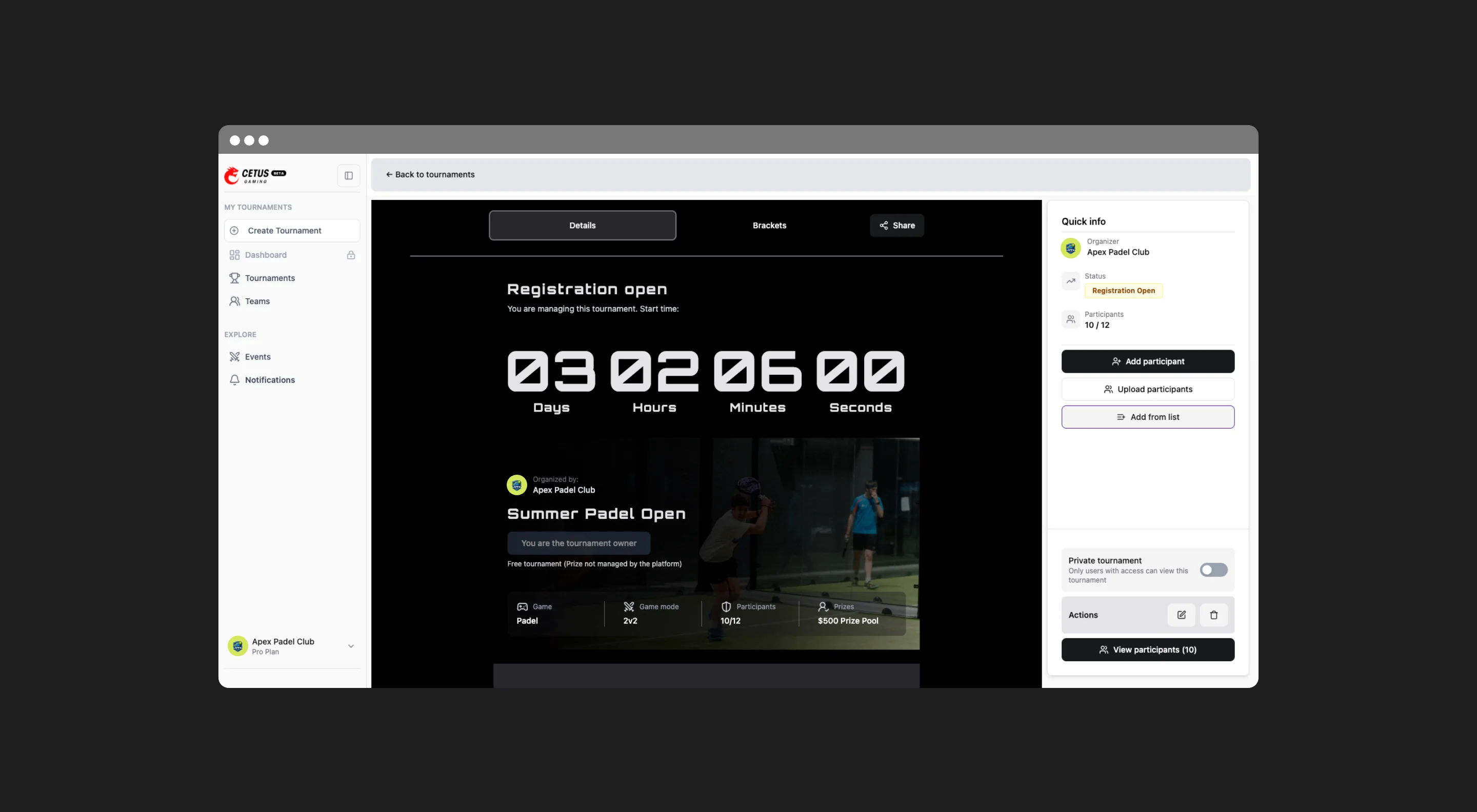
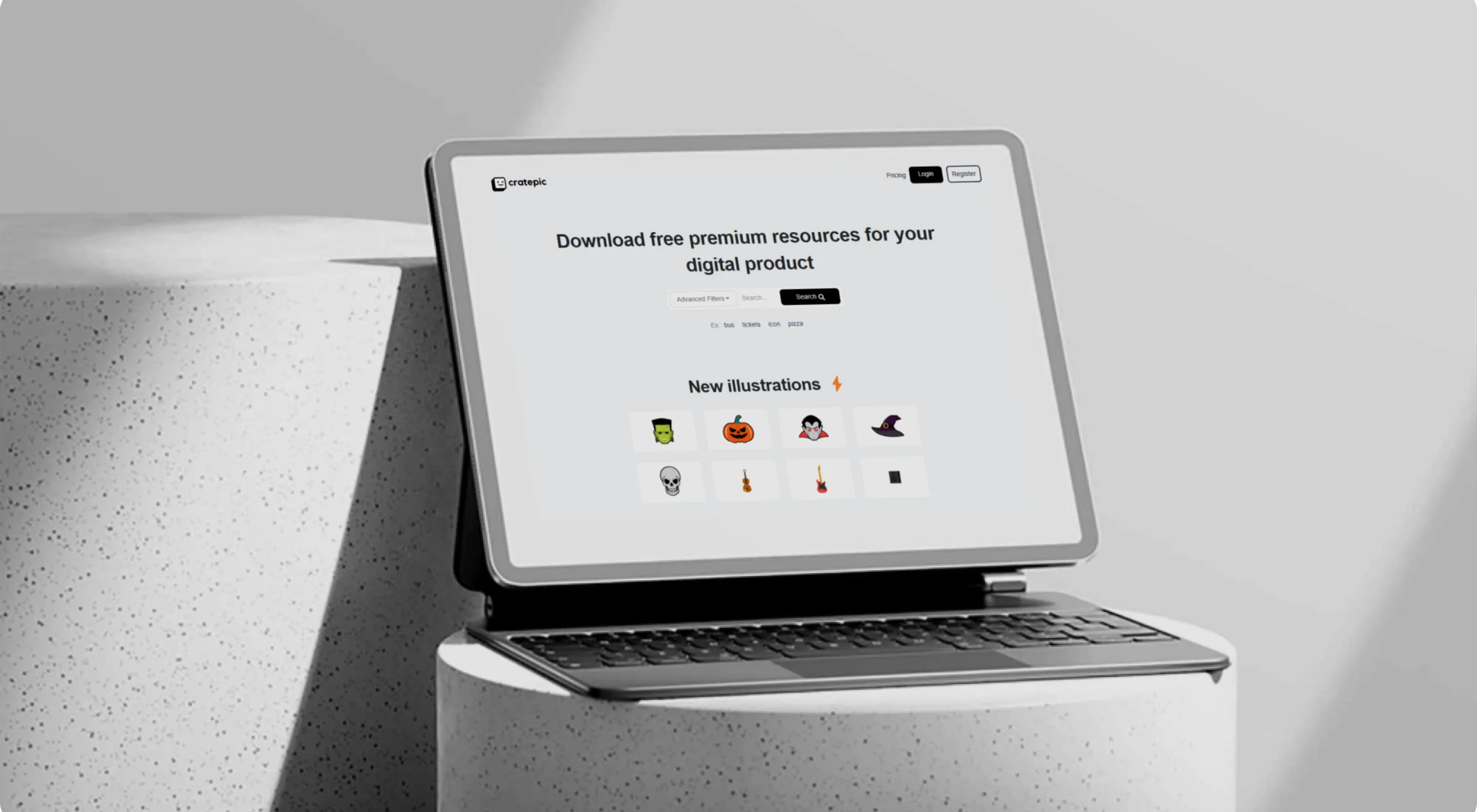
We design web apps, SaaS platforms, dashboards and mobile apps, from the first screens of a new product to improvements on one that is already live.
Design and development live in the same team, so every screen is designed with how it will be built in mind, and delivered in a way developers can use.
Who it’s for
You’re building a new product
You need the full interface designed, from the first flows to the final screens.
Your live product is hard to use
Users get lost, support questions repeat, or the interface looks outdated.
You don’t have a designer in-house
Your team needs senior design capacity without hiring full time.
What’s included
- UX review and usability testing
- For live products: we review the experience, test it with Maze and study real behavior in Microsoft Clarity.
- Flows and wireframes
- The structure of each feature, agreed before visual design starts.
- UI design
- Complete screens for web and mobile, including states, errors and empty screens.
- Dashboards and data views
- Tables, charts and filters that make complex information readable.
- Design system
- Reusable components, styles and rules so the product stays consistent as it grows.
- Prototypes and handoff
- Interactive prototypes and organized files ready for developers.
Process
Understand
We review the product, its users and what the business needs from it. For a live product, we start by auditing what exists.
Output Findings and priorities
UX
We define flows and wireframes for the key screens and check them with you before any visual work.
Output Approved flows and wireframes
Visual direction
We explore the look of the product on a few key screens and choose a direction together.
Output Visual direction
UI design
We design the full interface, responsive and with all its states.
Output Complete screens for web and mobile
Design system and handoff
We organize components and styles into a design system and deliver files ready for developers, ours or yours.
Output Design system and developer-ready files
Skills
- UX/UI design
- Interaction design
- SaaS interfaces
- Dashboard design
- Mobile app design
- Design systems
- Prototyping
- Usability testing
- Behavior analysis
- Brand identity
Tools
- Figma
- FigJam
- Maze
- Microsoft Clarity
- Adobe Creative Suite
- AI tools for exploration and prototyping
Working together
- Weekly sprints
- We plan the work in weekly sprints, with defined tasks and deliverables, so you see progress every week.
- Design Thinking
- Research, design and validation follow Design Thinking: understand, define, explore and test.
- An estimate for your project
- Timelines depend on scope and complexity, so each project gets its own estimate instead of a fixed duration.
- Support after launch
- We stay on for updates, bug fixes, performance improvements and new features.
FAQ
Can you work on a product that is already live?
Yes. We start with a UX review, usability tests in Maze and behavior analysis in Microsoft Clarity, and improve the product from there.
Do you design mobile apps too?
Yes. We design web applications, SaaS platforms, dashboards and mobile apps.
Can you work with our developers?
Yes. We deliver organized Figma files and a design system your developers can use. If you need it, we can also build the product ourselves.
What tools do you use?
Figma and FigJam for design and prototyping, Maze and Microsoft Clarity for testing and behavior analysis, Adobe Creative Suite for visual design, and AI tools for exploration.
Other services
Have a good idea?
Let’s build it.
From product design to web development, we help teams turn ideas into working digital products.
Start a project